Messing With a ZimaBoard 2: There Goes My Weekend
The ZimaBoard 2 looks like a manageable little project.
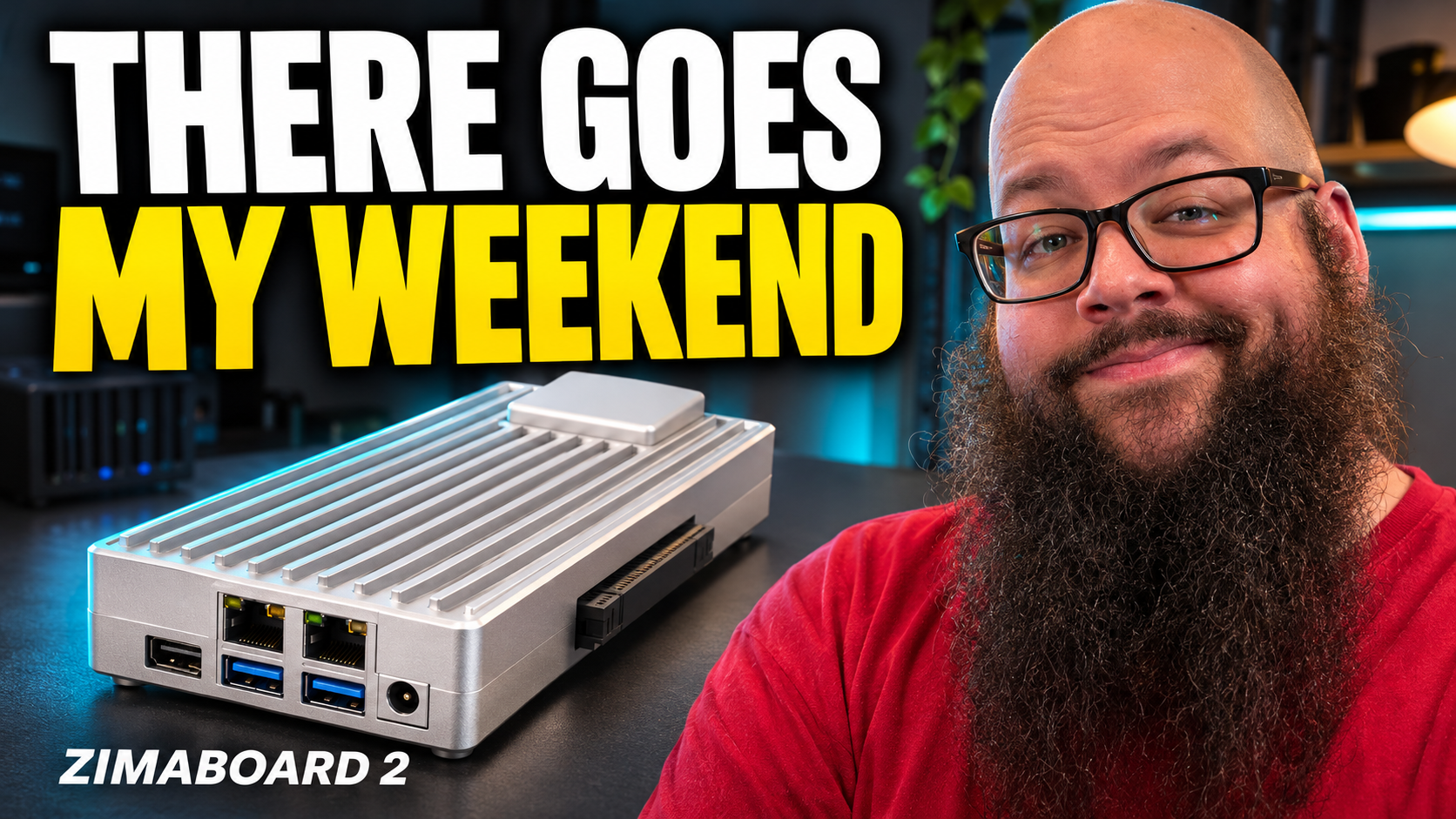
That is how they get you.
You start thinking about a dedicated place for your files. Then you consider a media server. Then you remember that smart home project you wanted to try. Suddenly, you are researching storage drives and wondering whether your networking equipment needs an upgrade.
What interests me about the ZimaBoard 2 is how many useful starting points it puts in one small device. For someone who enjoys messing with technology, that is a pretty effective sales pitch.
What is the ZimaBoard 2?
The ZimaBoard 2 is a compact computer designed for home server projects. It uses an Intel N150 four-core processor and comes in two main configurations: 8GB of RAM with 32GB of onboard eMMC storage, or 16GB of RAM with 64GB of eMMC storage.
The appeal to me is having a dedicated machine with a clear job. Give it somewhere to live, decide what you want it to do, and build around that purpose.
For a creator, a central place for footage, finished videos, photos, and documents is an obvious possibility. I like the idea of making those files easier to manage without turning every storage decision into a larger computer project.
Although I suspect the folders named “final,” “final2,” and “actually_final” will still require personal intervention.
The connections are what make it interesting
The ZimaBoard 2 has two SATA 3.0 connections with drive power, letting you attach compatible hard drives or SSDs directly. It also has two 2.5GbE Ethernet ports and a PCIe 3.0 expansion slot. With a suitable expansion card, that slot can accommodate options such as NVMe storage or additional networking.
That combination is what catches my attention.
The SATA connections give you a straightforward foundation for storage. The Ethernet ports create options for connecting that storage to your network. The expansion slot leaves room to change the project later.
Getting the benefit of faster networking still depends on the equipment and drives involved. I would plan the whole connection between the server and my computer before spending money on upgrades.
I also appreciate being able to start with a useful configuration and expand when there is an actual reason. A file server today could become a more involved home lab project later.
Of course, “room to expand” is also a very polite way of saying your shopping might not be finished.
ZimaOS gives you somewhere to start
ZimaOS comes preinstalled with tools for managing storage and installing applications. The platform supports projects built around software such as Plex, Jellyfin, and Home Assistant. Other operating systems, including Linux distributions and Proxmox, are also options for people who want a different setup.
I like having that choice.
For a first project, I would want to get one useful service working and understand how to maintain it. Once that feels comfortable, adding another application becomes a more informed decision.
That approach also gives you a better chance of knowing what went wrong when something stops working. Installing everything that looks interesting in one sitting is an excellent way to create a mystery with seventeen possible suspects.
The project I would start with
For me, a dedicated file and media server is the most appealing starting point.
I would begin by deciding what belongs on it, how much space those files need, and where additional copies of important files will live. Then I would work out how I want to access everything from my other devices.
That sounds less exciting than immediately building an elaborate home lab, but a system that solves one recurring annoyance has real value.
After that, I could see exploring a media library or a small collection of other services. The important part would be keeping the project understandable as it grows.
I want a useful little server. I would prefer to avoid giving myself a second job that pays exclusively in blinking lights.
A few things I would think through before buying
The memory is worth deciding on carefully. ZimaBoard 2 uses soldered RAM, so the capacity you choose at purchase is the capacity you keep. I would lean toward the 16GB version if multiple applications or virtual machines were part of my plan.
Storage and accessories deserve their own budget, too. The current board-only package includes the ZimaBoard 2, power adapter, SATA Y-cable, and a cooling fan. Your larger storage drives and any additional expansion cards need to be accounted for separately.
I would also decide where the finished setup will live. A small board can become a surprisingly awkward arrangement once you add drives, cables, and an expansion card. Planning a tray, bracket, or enclosure early makes more sense than discovering that the entire project is now balanced behind a monitor.
Finally, I would give it a workload that makes sense for a compact N150 system. My interest is in a useful home server with manageable responsibilities. I would add services gradually and pay attention to how the system handles them.
Why the ZimaBoard 2 appeals to me
The strongest part of the ZimaBoard 2 is the combination of direct storage connections, networking, and accessible expansion.
It gives me several ways to turn a small computer into something useful, while leaving enough flexibility to experiment. That makes it appealing for someone who enjoys learning how their technology works and is willing to spend some time setting it up.
If I wanted enclosed drive bays and less hardware assembly, I would also consider a conventional NAS. With the ZimaBoard 2, part of the attraction is choosing how the pieces fit together.
My approach would be simple: pick one job, get it working, and give the next idea a little time before ordering more hardware.
There will always be another project.
Apparently, there will also be another Ethernet cable.
See the ZimaBoard 2, available configurations, and current pricing.
What would you build around one: a file server, a media library, a smart home system, or something else entirely?